
Amazon Listing Optimization Checklist: 10 Fixes That Lift Conversion
Traffic only pays off when shoppers buy. Use this 10-point checklist to turn more of your listing visitors into customers.
You can spend months driving traffic to an Amazon listing and still wonder why sales are flat. Often the traffic is fine and the listing is the problem. Shoppers land on the page, something doesn’t convince them, and they click back to a competitor.
The good news is that most listing problems are fixable, and the fixes are cheap compared with ad spend. This checklist walks through ten of them in the order we usually tackle them.
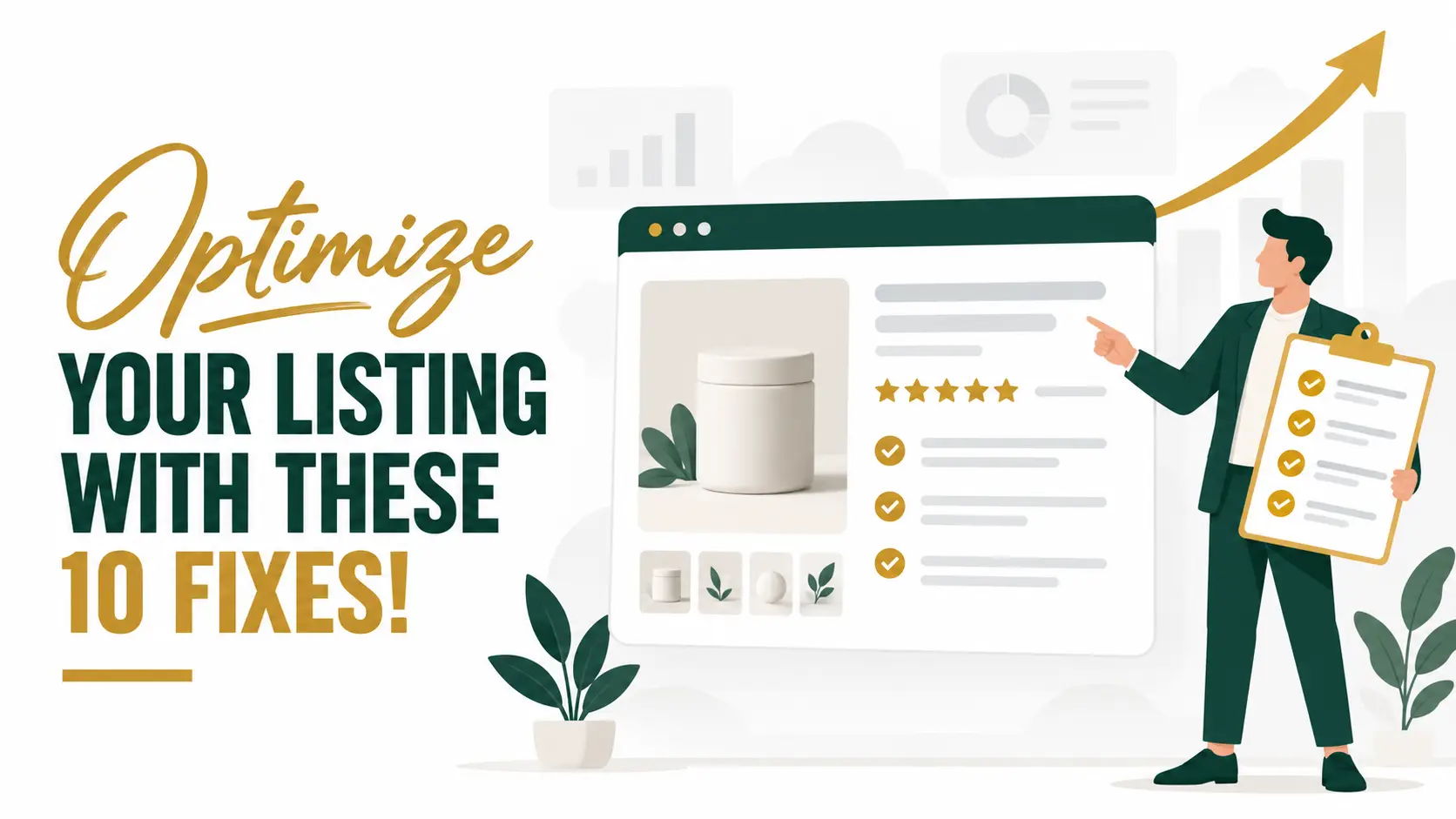
Table of Contents
- Why Conversion Rate Is the Lever
- The 10-Point Listing Checklist
- How to Measure the Results
- Conclusion
Why Conversion Rate Is the Lever
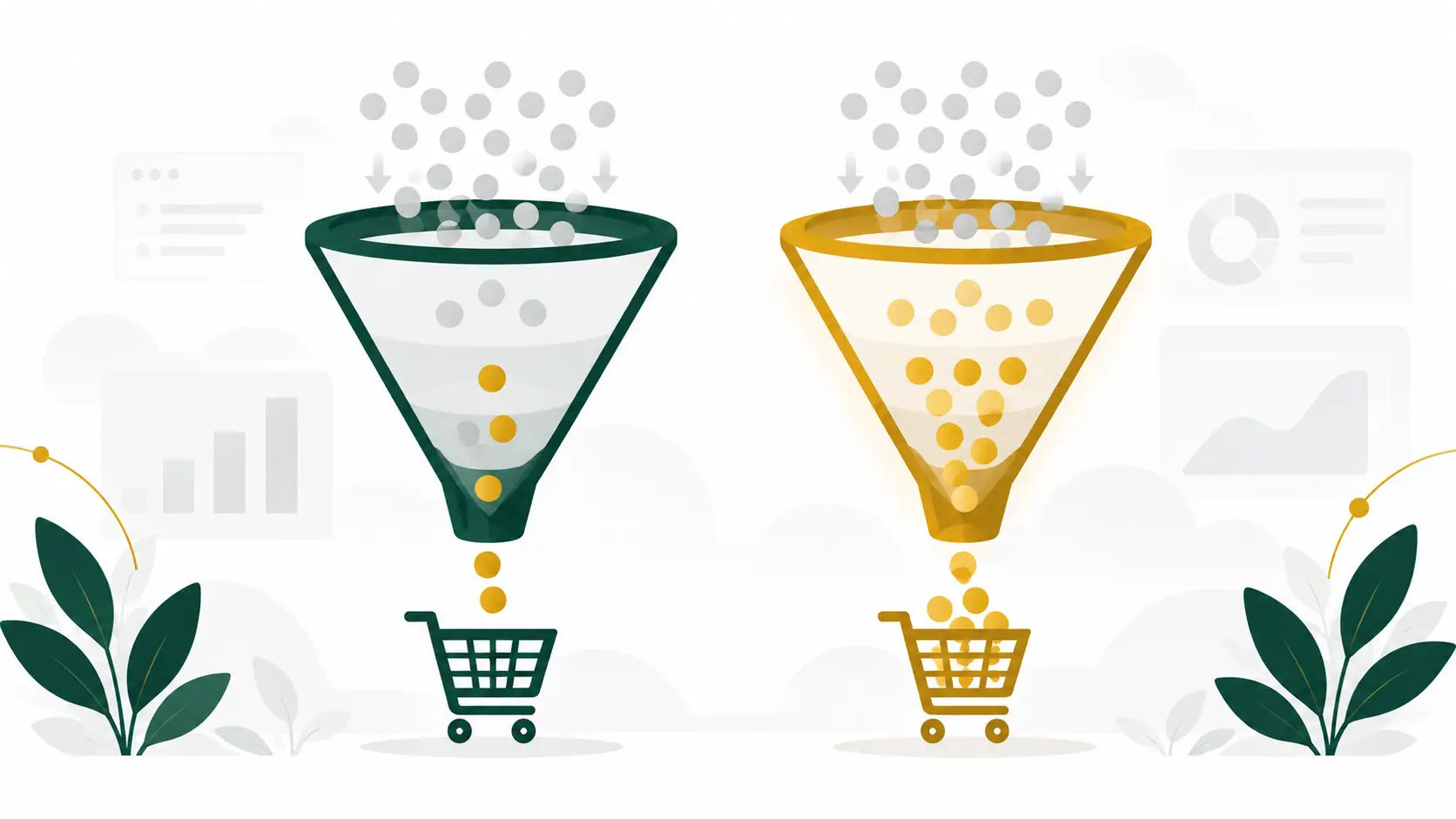
Your conversion rate is the share of visitors who buy. On Amazon you can see it as Unit Session Percentage in the Detail Page Sales and Traffic report inside Business Reports. Raising it has a double effect: more of your existing traffic turns into orders, and a listing that sells well is also more likely to rank well.
It also makes advertising cheaper to run. If more clicks convert, the same ad spend produces more sales, which pushes your ACoS and TACoS down.

The 10-Point Listing Checklist
Work through these in order. Each one is a small change, but together they make the page clearer, more trustworthy, and easier to buy from.
1. Write a clear, keyword-led title
Your title is the first thing shoppers and Amazon’s search both read. Lead with your brand and the main product name, then add the details a buyer cares about, such as size, quantity, material, or compatibility. Check the length rules for your category, and avoid keyword stuffing, promotional phrases, and repeated words.
Mobile shows far fewer characters than desktop, so put the most important words at the start.
2. Get the main image right
The main image decides whether someone clicks at all. Amazon requires a pure white background, and the product should fill most of the frame. Use a sharp image of at least 1,000 pixels on the longest side so shoppers can zoom, and follow Amazon’s rules on text, logos, and badges for the main image in your category.
3. Use the full image gallery
Think of the other images as your sales pitch. A strong gallery usually mixes infographics that call out key features, lifestyle shots that show the product in use, a size or scale image, and a “what’s in the box” image.
Shoppers skim, so make each image carry one clear message.
4. Write benefit-led bullet points
You get five bullet points, so use them. Start each one with a short benefit, then explain the feature that delivers it. Answer the questions a buyer would ask in a store: what is it made of, who is it for, how do I use it, and what do I get?
5. Add A+ Content
If you are brand registered, A+ Content lets you add richer images, comparison charts, and your brand story further down the page. It is where you handle objections, show how your product differs from the alternatives, and build trust. Keep the design clean and consistent with your main images.
6. Use your backend search terms properly
Backend search terms are hidden keywords that help Amazon match your product to relevant searches. Add synonyms, alternate spellings, and related terms that don’t already appear in your title or bullets. Stay within the byte limit, skip repeated words, and never use competitor brand names.
7. Check your price and offer
Even a great listing struggles if the price looks out of line with similar products. Compare your price with direct competitors, consider whether a coupon or promotion makes sense, and keep your inventory in stock so you stay eligible for the Buy Box.
8. Build trust with reviews and Q&A
Reviews are among the strongest signals on the page. Make sure your product matches its listing so expectations are met, request reviews only through Amazon’s own tools, and answer customer questions quickly and clearly. Read your negative reviews too: they often point to the detail you need to fix on the page.
9. Review the listing on mobile
A large share of shoppers browse on a phone. Open your listing in the Amazon app and check that the title still makes sense when it is shortened, the first images are readable at a small size, and your key benefits appear before the shopper has to scroll far.
10. Test one change at a time
Change too many things at once and you won’t know what worked. Update one element, such as the main image or the title, give it enough time to collect data, and compare your conversion rate before and after. If you are brand registered, Manage Your Experiments lets you run proper A/B tests on titles, images, bullet points, and A+ Content.
How to Measure the Results
Track a few numbers before and after each change, and give each change at least a couple of weeks where possible. Short windows are easily distorted by promotions, stock levels, and seasonality.
- Sessions show whether more people are finding the listing.
- Unit Session Percentage shows whether more of them are buying.
- Ad conversion rate shows whether your paid traffic is converting better.
- Total sales and TACoS show whether the improvements are growing the business, not just one metric.
Conclusion
A well-optimized listing does the quiet work behind every other part of your Amazon strategy. It makes ads cheaper, it supports organic ranking, and it gives shoppers the confidence to buy. Work through this checklist one fix at a time and measure as you go.
If you would like a second pair of eyes on your listings, book a free call. We will review your listing, point out the fixes most likely to matter, and show you where to start.
Our Services
Everything You Need to Win on Amazon.
Let's Clear a Few Things Up
Straight answers to the questions we hear most. Can't find yours? Book a call or message us, and we reply within one business day.
What does SellMora actually do?
We're a full-service Amazon growth team. Brand management, PPC, graphic design, catalog management, and global expansion all work together under one roof, so your listings, ads, and strategy pull in the same direction.
Who do you work with?
Startups launching their first product and established brands scaling to the next level. Our clients sell in the U.S., UK, Germany, France, and beyond.
How do we get started?
Book a free 30-minute call, or send us your reports for a free audit. We'll review your store and show you where the fastest growth is hiding.
How much does this cost?
It depends on the scope. We'll give you a clear, transparent proposal after your audit, with no hidden fees and no surprise add-ons.
Can I hire you for just one service?
Absolutely. Start with PPC, design, or catalog management alone, and add more when you're ready.
What results can I expect?
Every deliverable is built to improve rankings, click-through rate, conversion rate, and ROI, not just to look good. Exact results depend on your product and market, which is why we set clear targets in your game plan.
Still have questions?
Pick a Time That Works for You
Choose a slot for a free 30-minute call with Abdul. We'll look at your account and show you where the growth is.

Abdul Rehman · Sell Mora
30 Minute Meeting
- 30 min
- Video call details sent on booking
- Free account audit included